
Submit requests with the right details
Staff can record what is needed, why it is needed and the amount requested.


390 Work helps your school manage expense requests, purchases, budgets, staff tasks and administrative documents. Give departments a clear way to submit requests and help school management keep track of approvals, spending and outstanding work.




A department needs materials, a supplier needs payment and a member of staff is waiting for approval. Use 390 to keep the details and decisions on record so management can follow what happens next.
Staff can record what is needed, why it is needed and the amount requested.
The person reviewing a request can approve or decline it in 390.
Keep supplier details and purchase orders for goods and services.
Make it clear who is responsible and when the work is due.
Check recorded expenses against budgets and follow up on unfinished tasks.
Use 390 to manage requests, purchases, spending and staff responsibilities. It covers school administration; admissions, results and class attendance remain in your school management system.
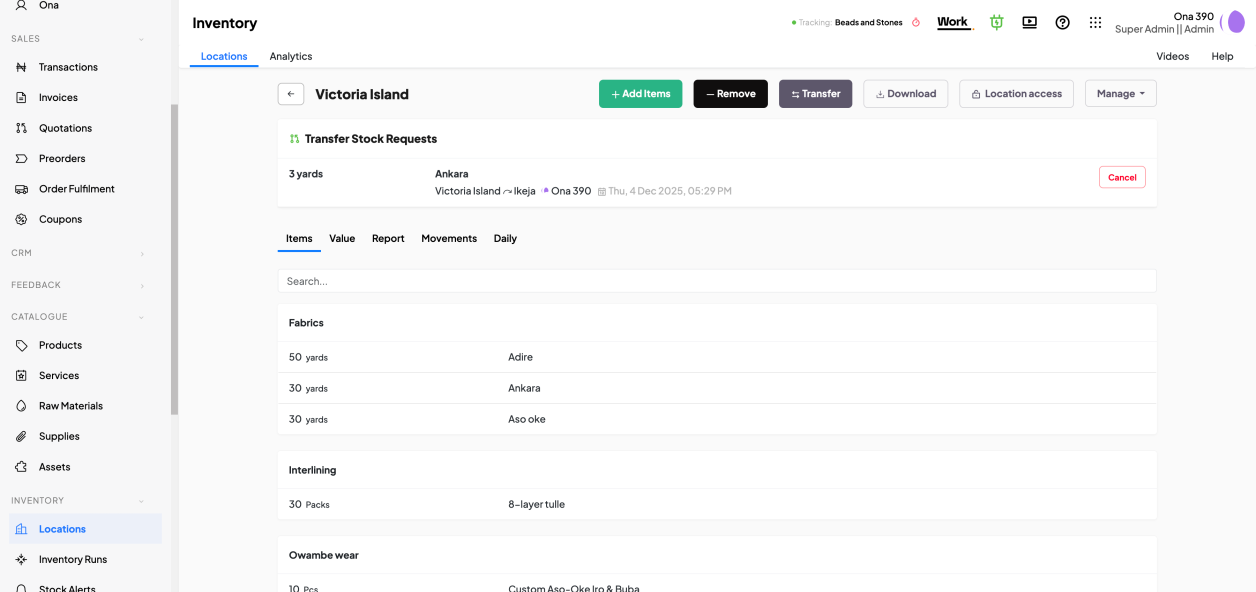
Start with the administrative records and approval procedures your school needs most.
Record school spending and compare it with the relevant budgets.
Send requests to the designated reviewer and keep the decision on record.
Prepare purchase orders and keep supplier information.

Assign administrative work, set deadlines and review updates.
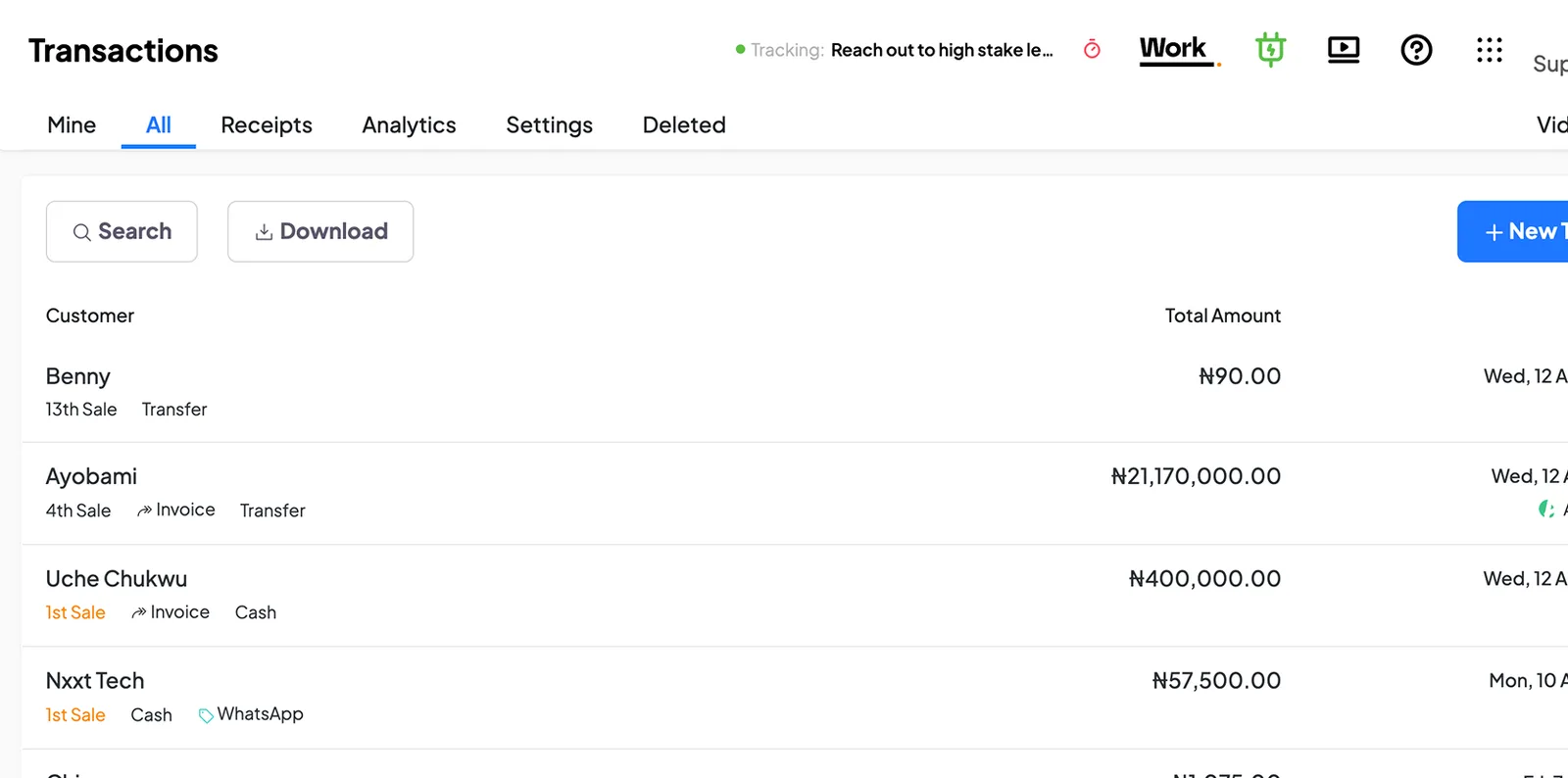
Record amounts billed and payments received.

Keep school procedures and administrative documents available to staff.
Staff submit and review the request in 390. The responsible person makes the payment through the school’s usual payment method and records it in the software.
See how to organise your operations
Vivian, founder of DozzaVille, shares what her food business noticed when it started using 390.
Start your free trial“On the first day of setting up 390 in our business, we used it to detect two pieces of missing chicken.”

Use 390 to organise purchases, expenses, payments, documents and staff responsibilities.
Start your free trialManage departmental expenses, purchases, staff tasks and school procedures.
Keep expense and payment records, assign administrative tasks and organise documents.
Record supplier purchases, invoices, payments and staff responsibilities.
Organise purchases of materials, expenses and administrative tasks.
Keep invoices, payments, expenses and administrative work on record.
HUB is included with Work. Use your school’s page to publish information and provide a way for people to make enquiries and contact you.
From: ₦20,000 per month.
The base is charged once per business. Additional full users cost extra from the second full user. Prices exclude 7.5% VAT. Guided and Advisory include the same currently available Work modules and HUB.
HUB is included with Work. A ₦50 platform fee applies to each paid online order through HUB; payment processing fees are separate.
Use the guides and videos to get started, and contact support when you have questions. If you would like us to prepare your records, set up your first workflows and train your staff, ask about one-off assisted setup on Standard, Guided for implementation and continued help, or Advisory for process improvement and continuing reviews. All plans include the same currently available Work modules. We agree the work and terms before payment.
Involve the staff submitting requests, the person approving them and the person recording spending. Use the 21-day trial to see whether the process is easier to follow.
No card required.
A suggested way to use your trial. Go at your own pace.
Choose where to start, add the records you need and invite the staff involved.
Use 390 for the activity you have chosen and ask for help if you get stuck.
Check the records together and discuss what is working and what needs attention.
Review your experience and decide whether to subscribe.
Go through these with the people who used it.
Choose the requests, purchases or expenses you want to manage first. Try 390 with the staff involved, or book a demo to discuss your school’s needs.