
Keep order details clear
Record what each customer ordered and the information your staff need to prepare it.


390 Work is business management software for restaurants, bakeries, kitchens, food brands and caterers. Manage customer orders, record what you produce and use, and review payments and expenses with your staff.



Orders come in, ingredients are bought, food is prepared and customers pay. Use 390 to keep records of these activities so you can check what happened and plan the next day’s work.
Record what each customer ordered and the information your staff need to prepare it.
Review recorded quantities before deciding what to buy.
Keep a record of the quantities prepared and the materials used.
Note what was wasted so you can investigate the cause.
Check customer payments, operating expenses and outstanding balances.
Use 390 to manage orders, stock, purchasing, production records and payments. The staff buying supplies, preparing food and handling sales can each keep the records needed for their part of the work.
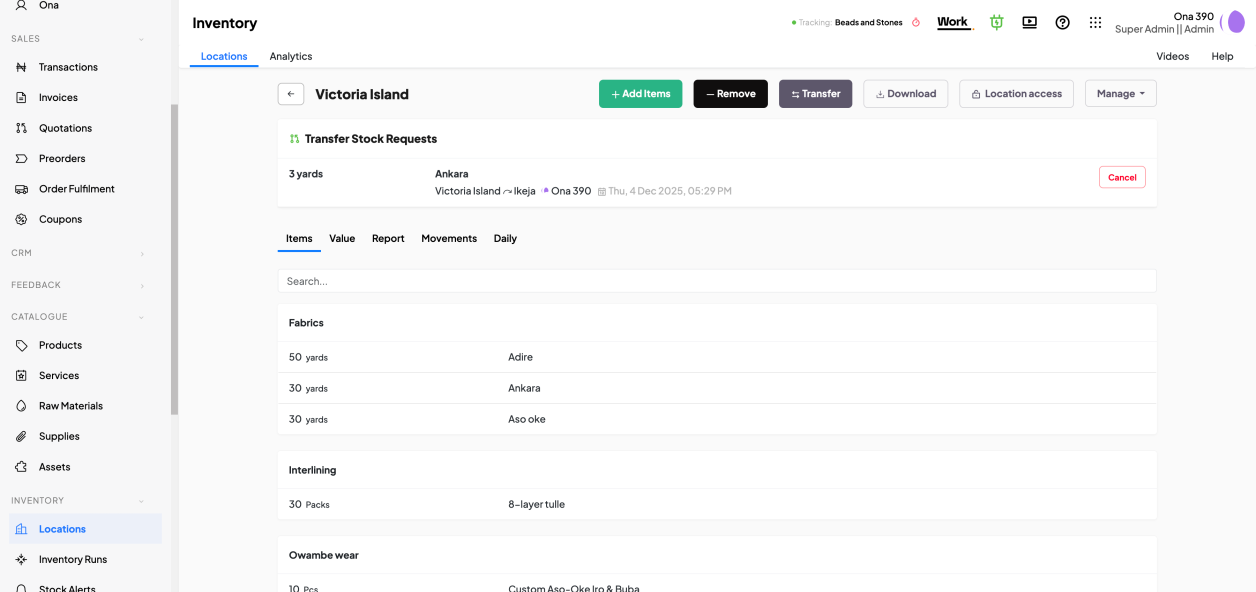
Start with the records you need most, then introduce other areas as your staff get used to 390.
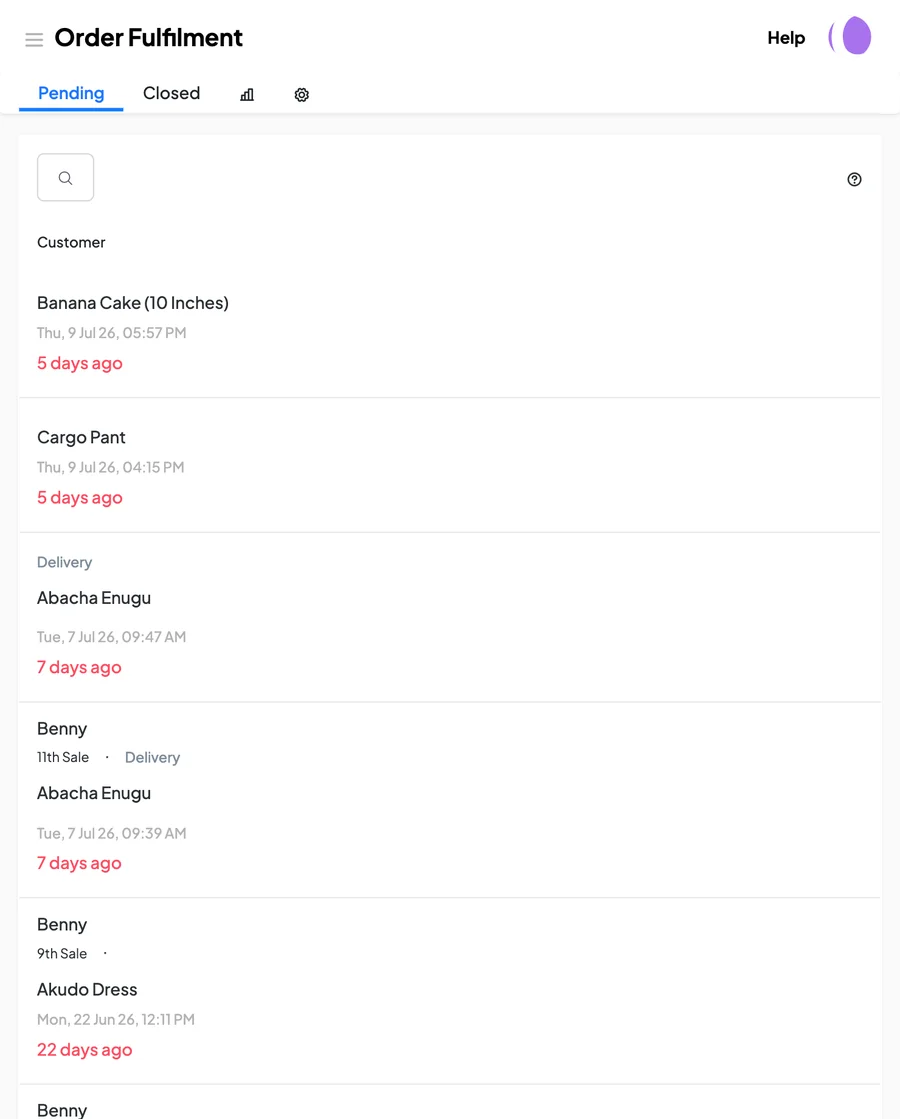
Record customer orders and update their progress as they are prepared and fulfilled.
Keep the food items you sell and their current prices on record.
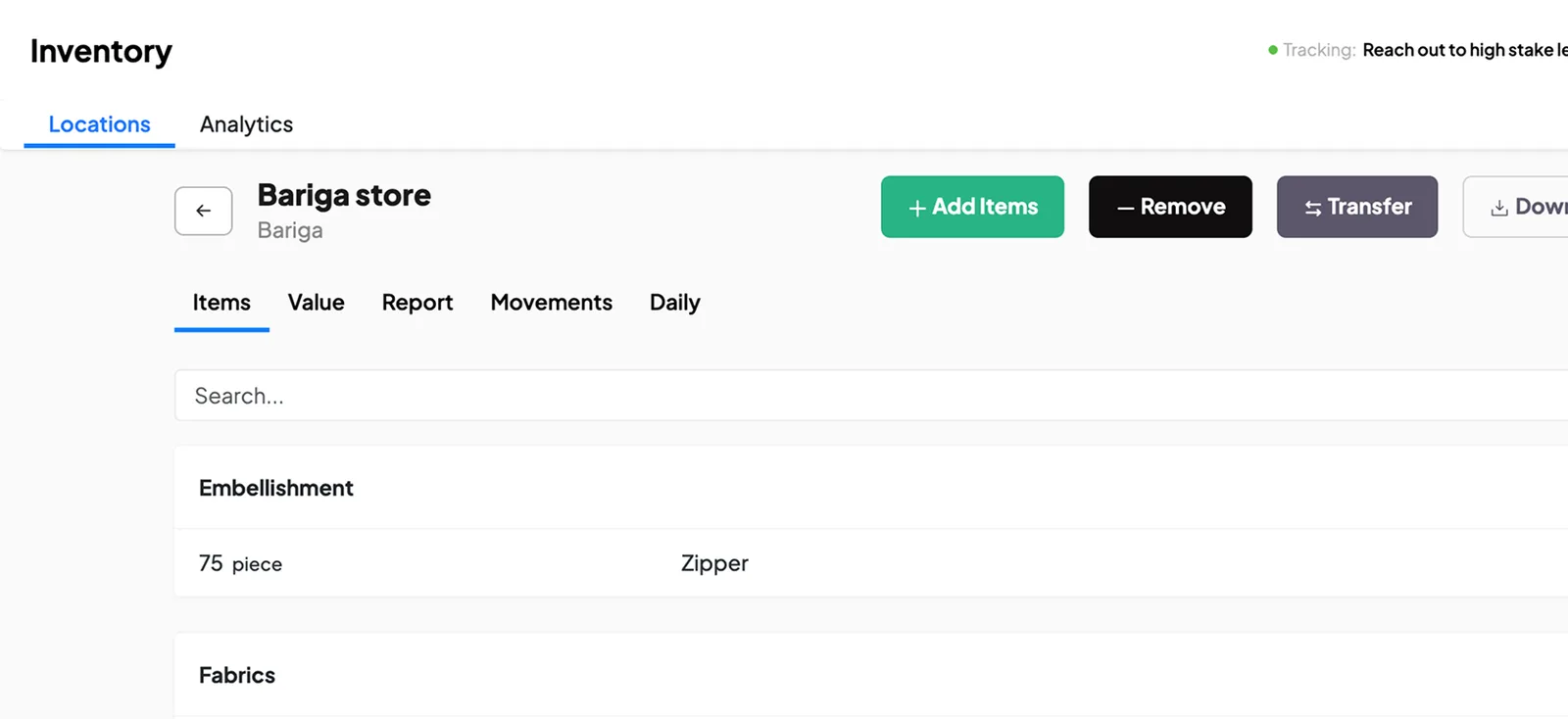
Record purchases, quantities available and stock movements.
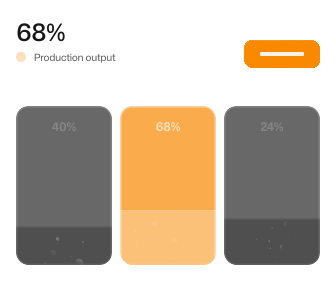
Record what was prepared, the materials used and any waste.
Keep customer details, feedback and follow-up notes.
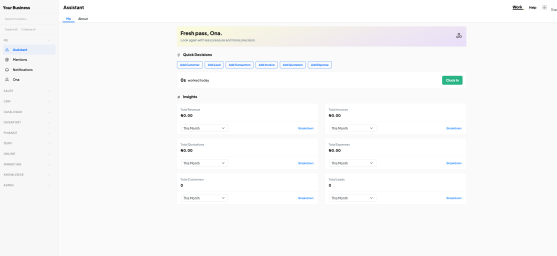
Record business expenses, customer payments and amounts owed to suppliers.
Use this example for food you prepare in batches. Your staff record the details at each stage.
See how to organise your operations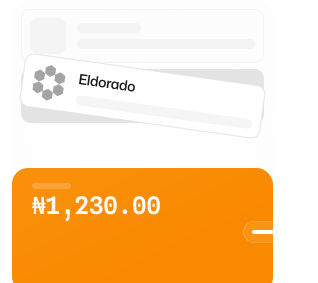
Vivian, founder of DozzaVille, shares what her food business noticed when it started using 390.
Start your free trial“On the first day of setting up 390 in our business, we used it to detect two pieces of missing chicken.”
Choose the activities that match how your food business operates.
Start your free trialManage orders, payments, supplies and the tasks your staff need to complete.
Record recipes as bills of materials, then keep records of batches, output and wastage.
Manage product records, production activity and stock for the goods you sell.
Prepare event quotations, record purchases and expenses, and follow up on payments.
HUB is included with 390 Work. Show the food you sell, receive online orders and let your staff manage those orders in Work.
From: ₦20,000 per month.
The base is charged once per business. Additional full users cost extra from the second full user. Prices exclude 7.5% VAT. Guided and Advisory include the same currently available Work modules and HUB.
HUB is included with Work. A ₦50 platform fee applies to each paid online order through HUB; payment processing fees are separate.
Use the guides and videos to get started, and contact support when you have questions. If you would like us to prepare your records, set up your first workflows and train your staff, ask about one-off assisted setup on Standard, Guided for implementation and continued help, or Advisory for process improvement and continuing reviews. All plans include the same currently available Work modules. We agree the work and terms before payment.
Add the products and ingredient records you need, involve the staff doing the work and use 390 to record what happens. Review the records together during your 21-day trial.
No card required.
A suggested way to use your trial. Go at your own pace.
Choose where to start, add the records you need and invite the staff involved.
Use 390 for the activity you have chosen and ask for help if you get stuck.
Check the records together and discuss what is working and what needs attention.
Review your experience and decide whether to subscribe.
Go through these with the people who used it.
Choose orders, ingredients or production as your starting point. Try it with your staff, or book a demo to discuss how your business works.