Read a guide
Follow instructions for setting up and using 390.

STANDARD · SET UP WITH YOUR TEAM
Set up sales, stock, expenses or customer records, and use 390 for work your business already does. Bring in the people involved, then add other areas as you need them.
21 days free. No card required.
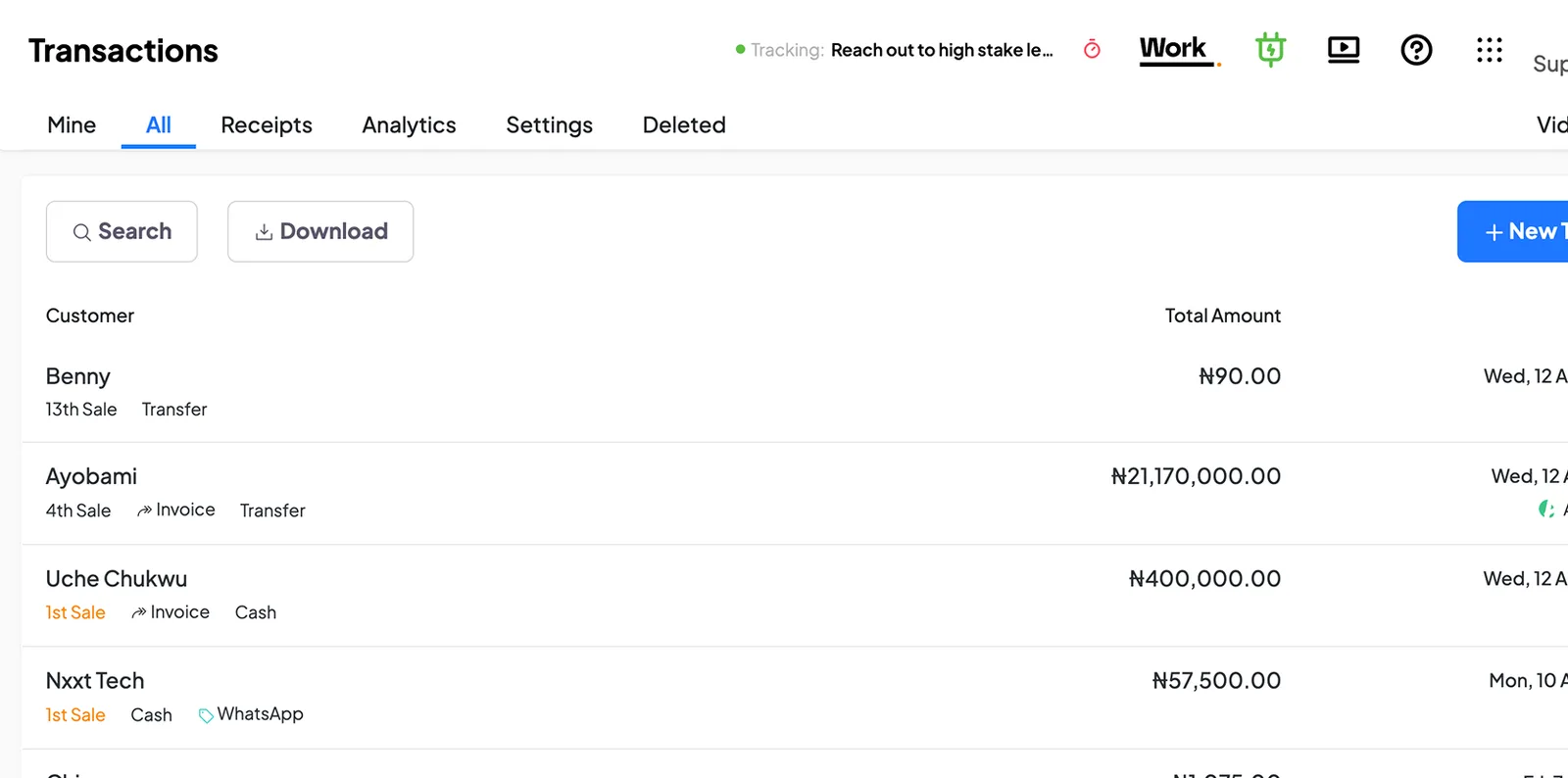
You don’t have to set up everything at once. Start with work your team already does regularly.
Pick the area you want to organise first, such as sales, stock, expenses or customer records.
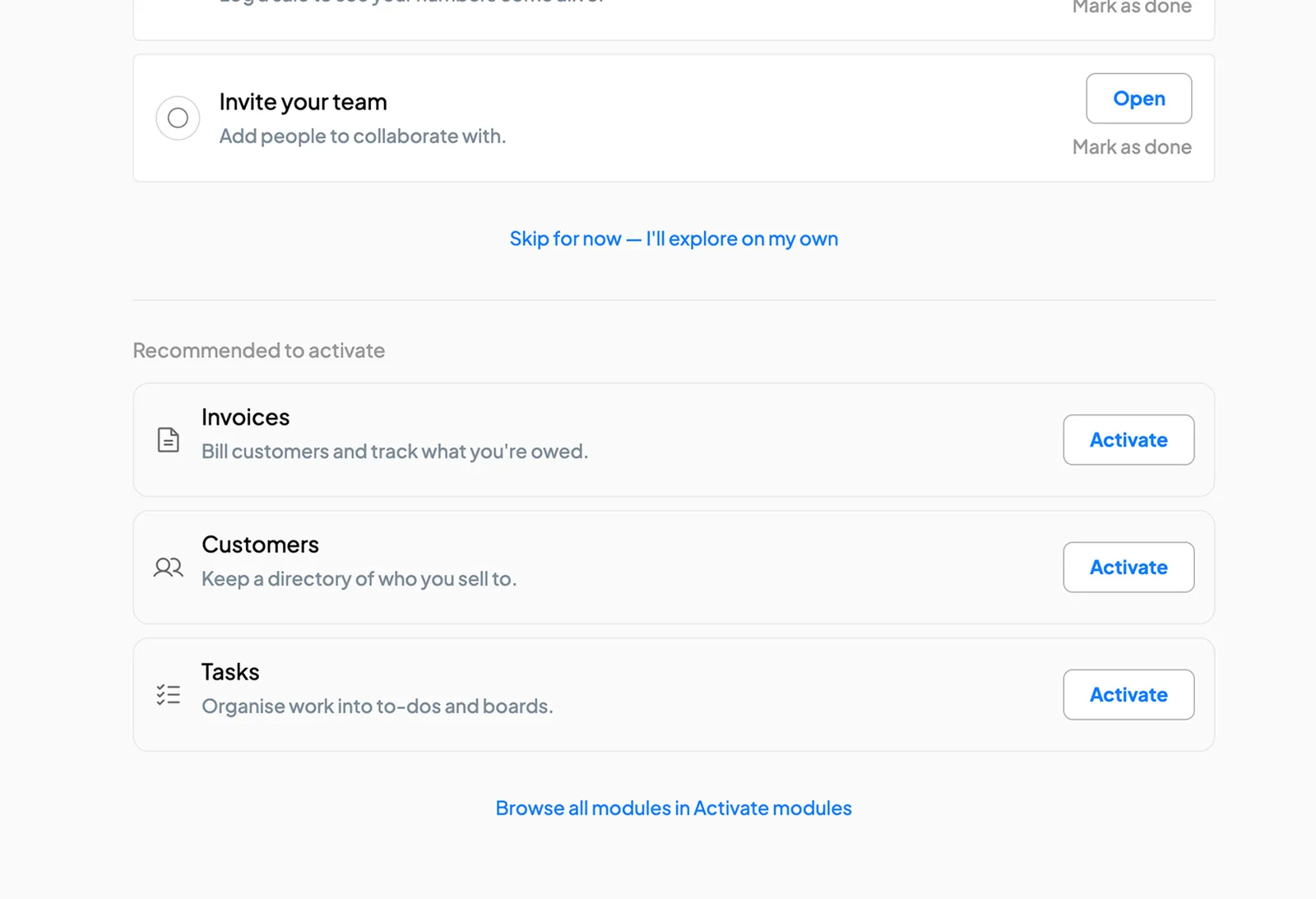
Enter the products, customers or other records you need for that part of the business.
Invite the staff who will use it and give each person access to the work they need to do.
You can begin on your own and invite staff when you’re ready.
Start recording actual work in 390, whether that means making a sale, updating stock or recording an expense.
Review the records and available reports with your team. Check that they reflect the work being done.
Set up another part of the business as your team becomes familiar with 390.
“On the first day of setting up 390 in our business, we used it to detect two pieces of missing chicken.”
 VivianFounder, DozzaVille
Follow instructions for setting up and using 390.
See how to complete common tasks in the software.
Ask a question about using 390 or report a problem.
Email support. Replies within two working days. Also available during your trial.
STANDARD
Your team handles setup. Standard includes all currently available Work modules, guides and product support.
Start your free trial₦20,000/month
1 full user included
Additional full users: ₦5,000 each/month
Self-service users: ₦1,000 each/month
Prices exclude 7.5% VAT.
See pricing and billing optionsYou can get one-off help while staying on Standard, or choose Guided for setup, staff training and continued assistance.
One-off setup is quoted separately from your subscription. We agree the scope and fee before starting.
Need help structuring your operations? Explore Advisory.